Tasks
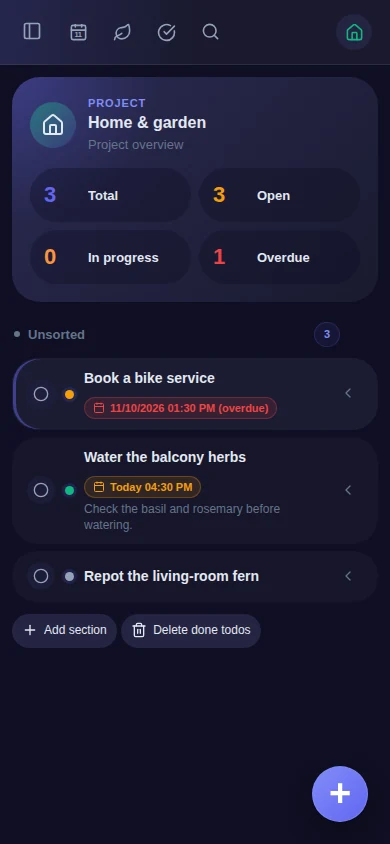
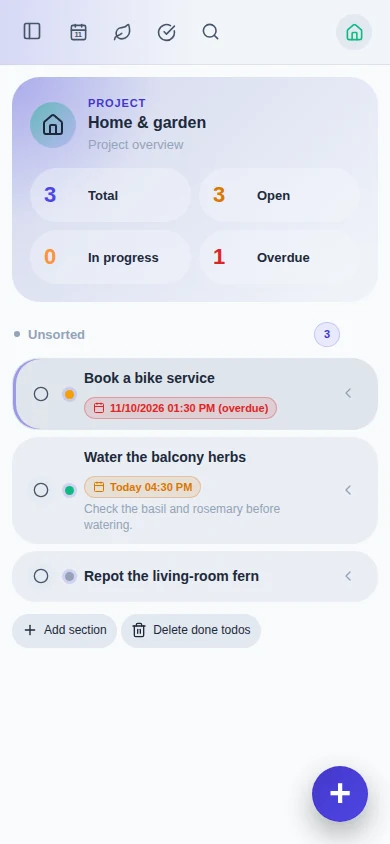
Keep the details that turn a reminder into a plan. Your existing tasks and projects stay with you as nia-todo becomes Nia.
- Projects, sections and personal workspaces
- Recurring tasks, subtasks and reminders
- Calendar, comments and attachments
nia-todo becomes Nia
Self-hosted · Open source · No subscription
Tasks, shopping lists and recipes, together in Nia. Plan your day, shop for dinner and follow a recipe, with your data on your own server.
Latest releasev4.0.2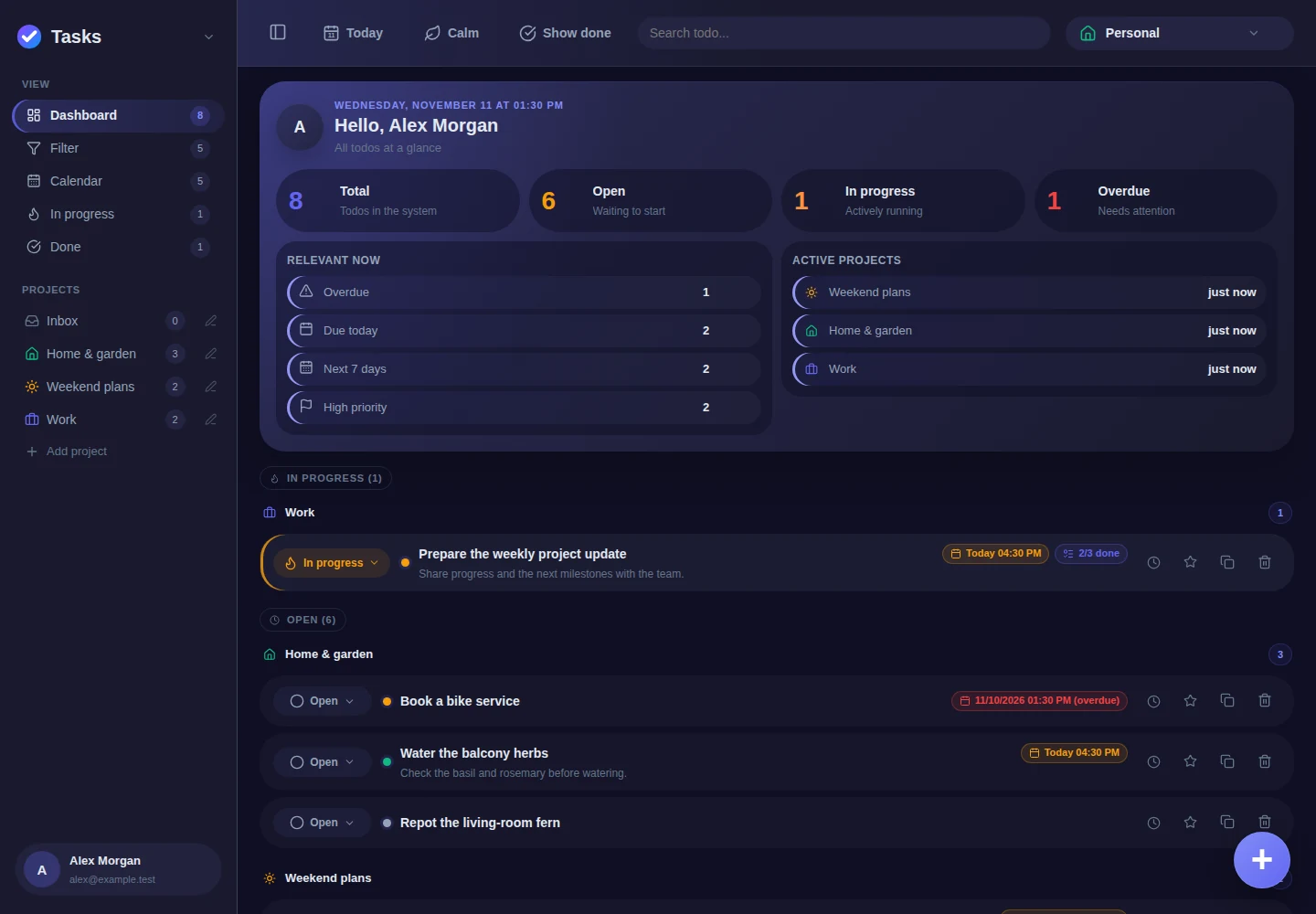
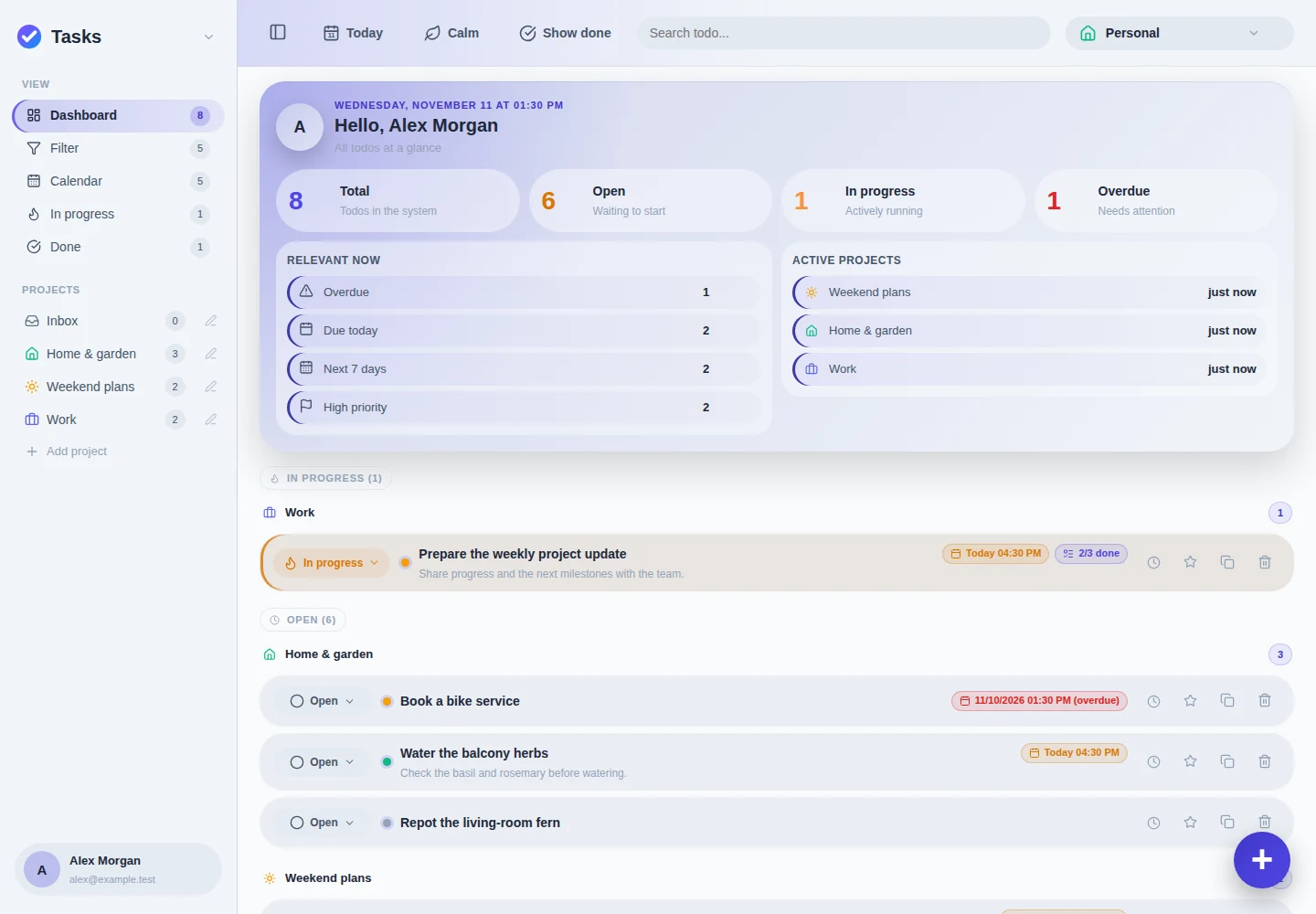
Projects, recurring tasks and the details that matter.
Three modules. One Nia.
Enable the modules you want in your account settings. The same navigation, sharing and familiar controls connect them, while each module keeps its own purpose.
Keep the details that turn a reminder into a plan. Your existing tasks and projects stay with you as nia-todo becomes Nia.
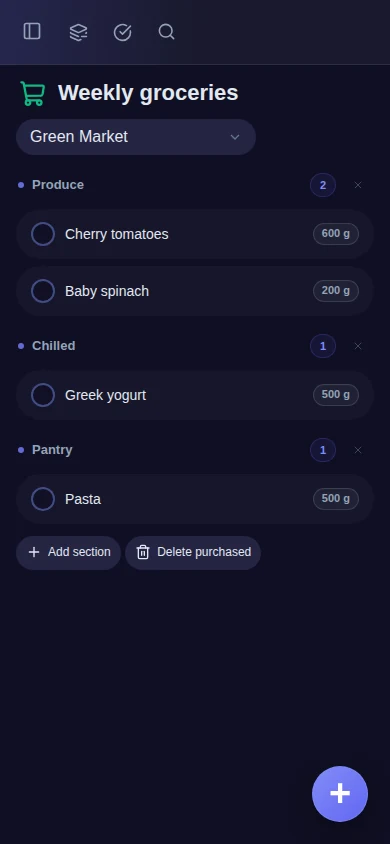
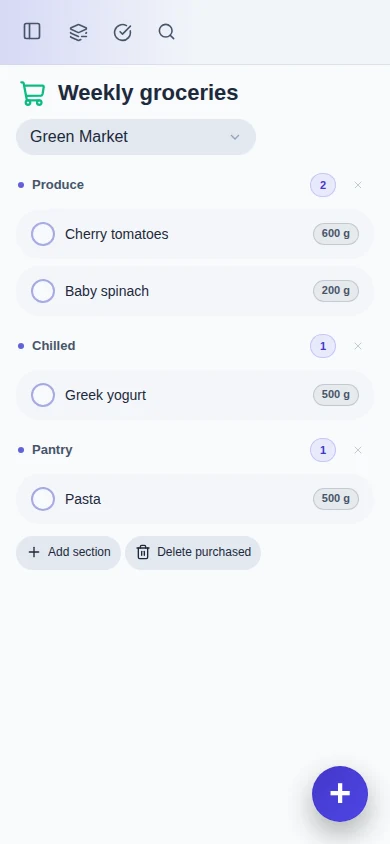
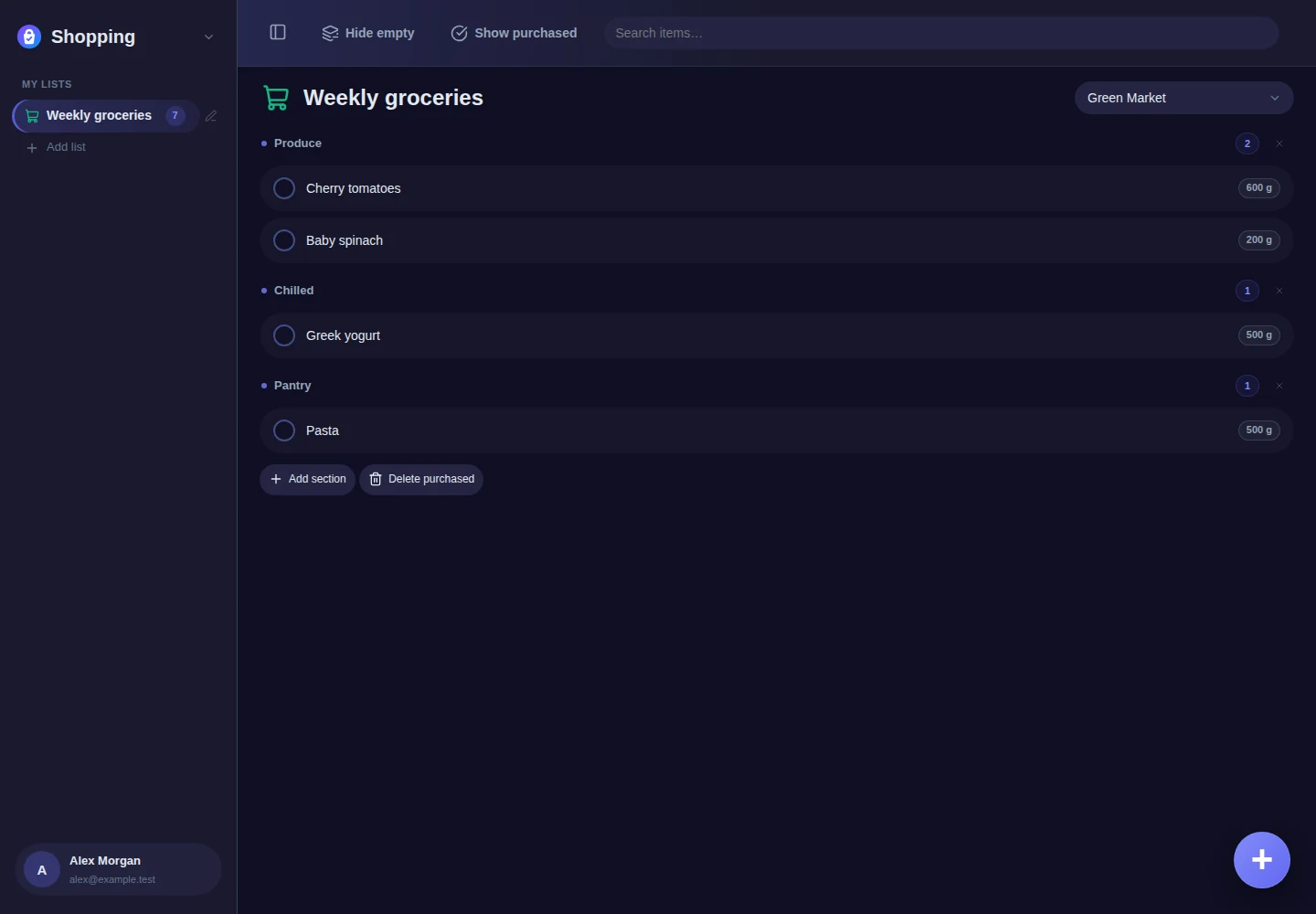
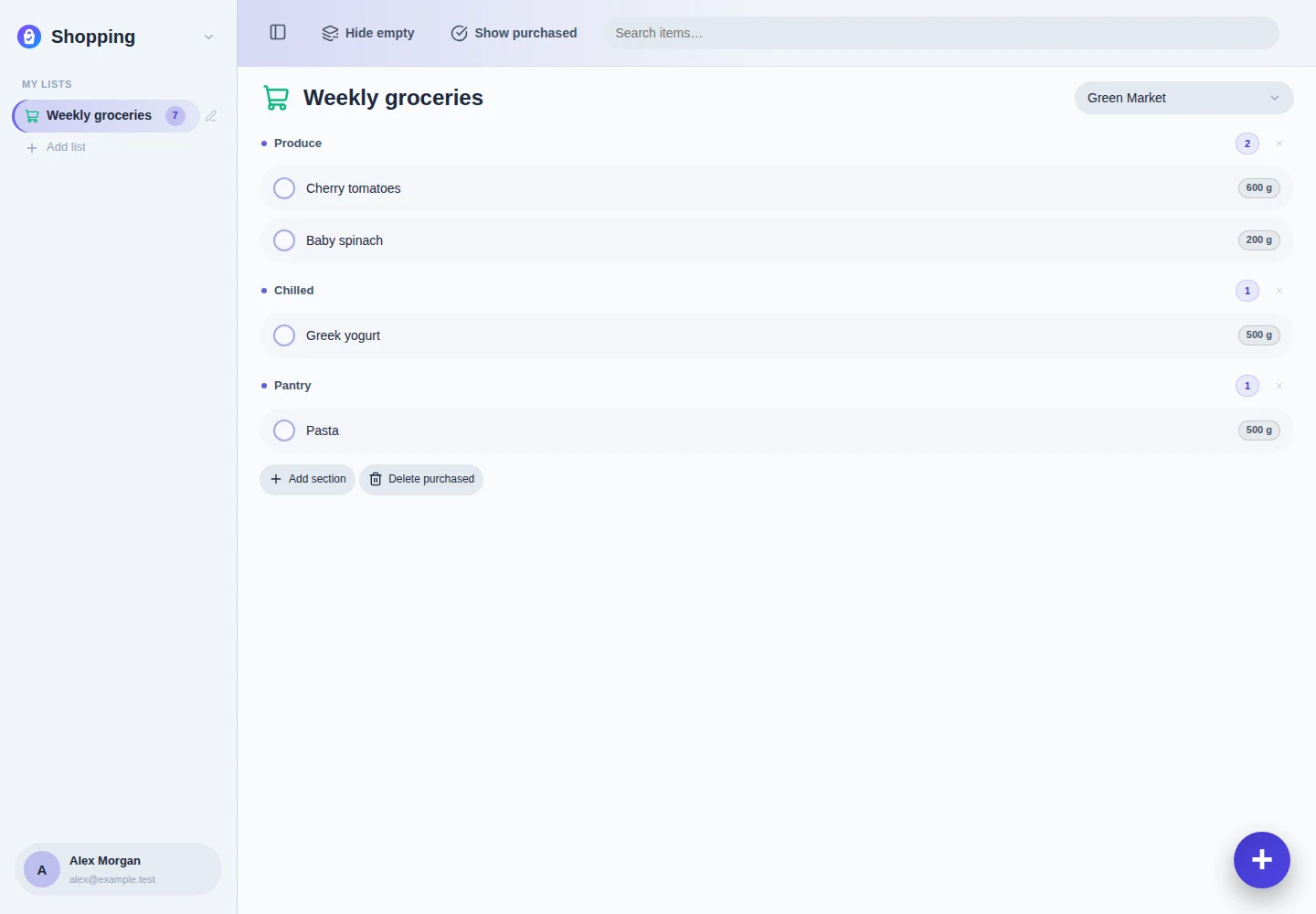
Keep one shopping list ready for the next trip, with quantities and sections that make sense in the store.
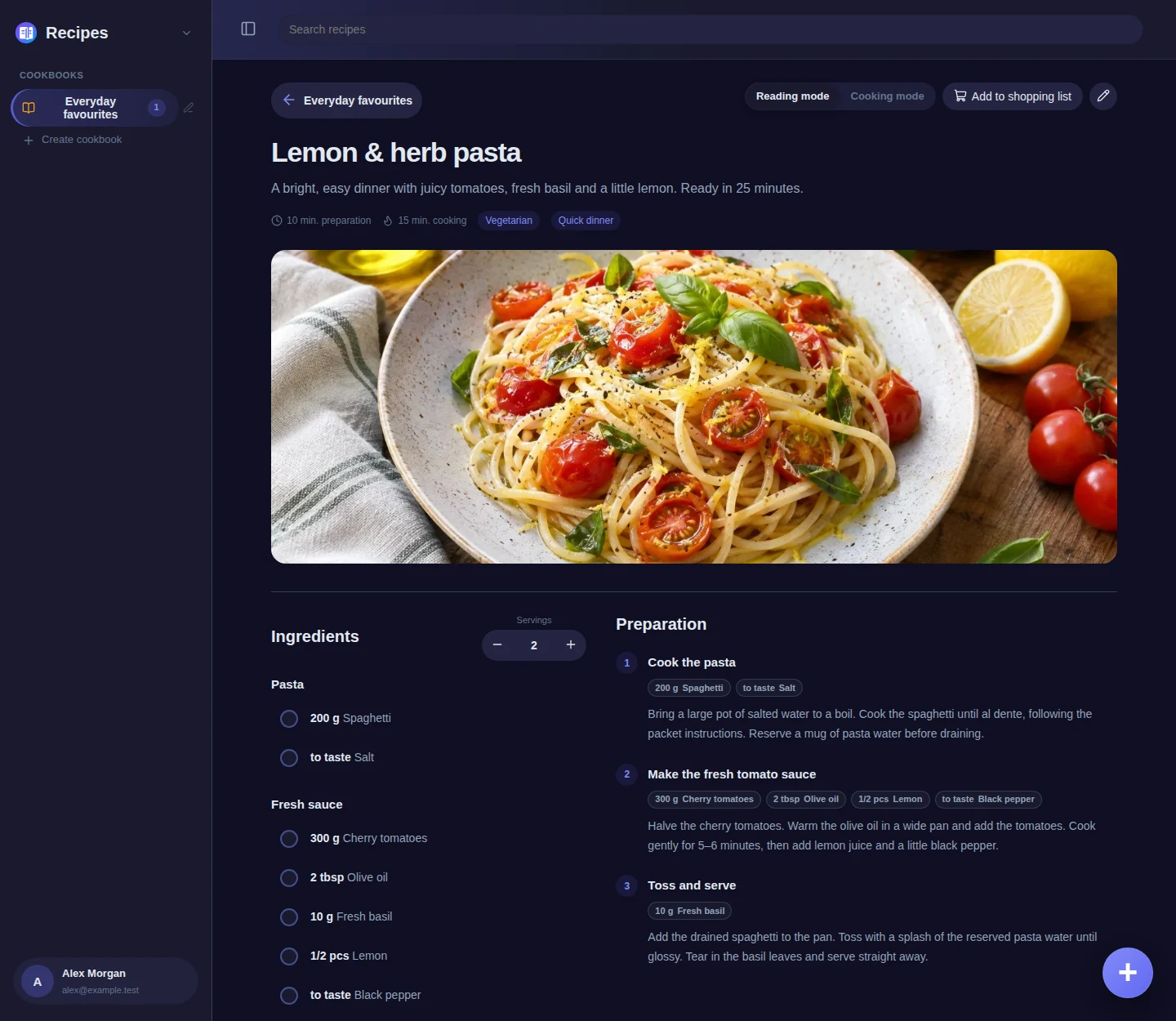
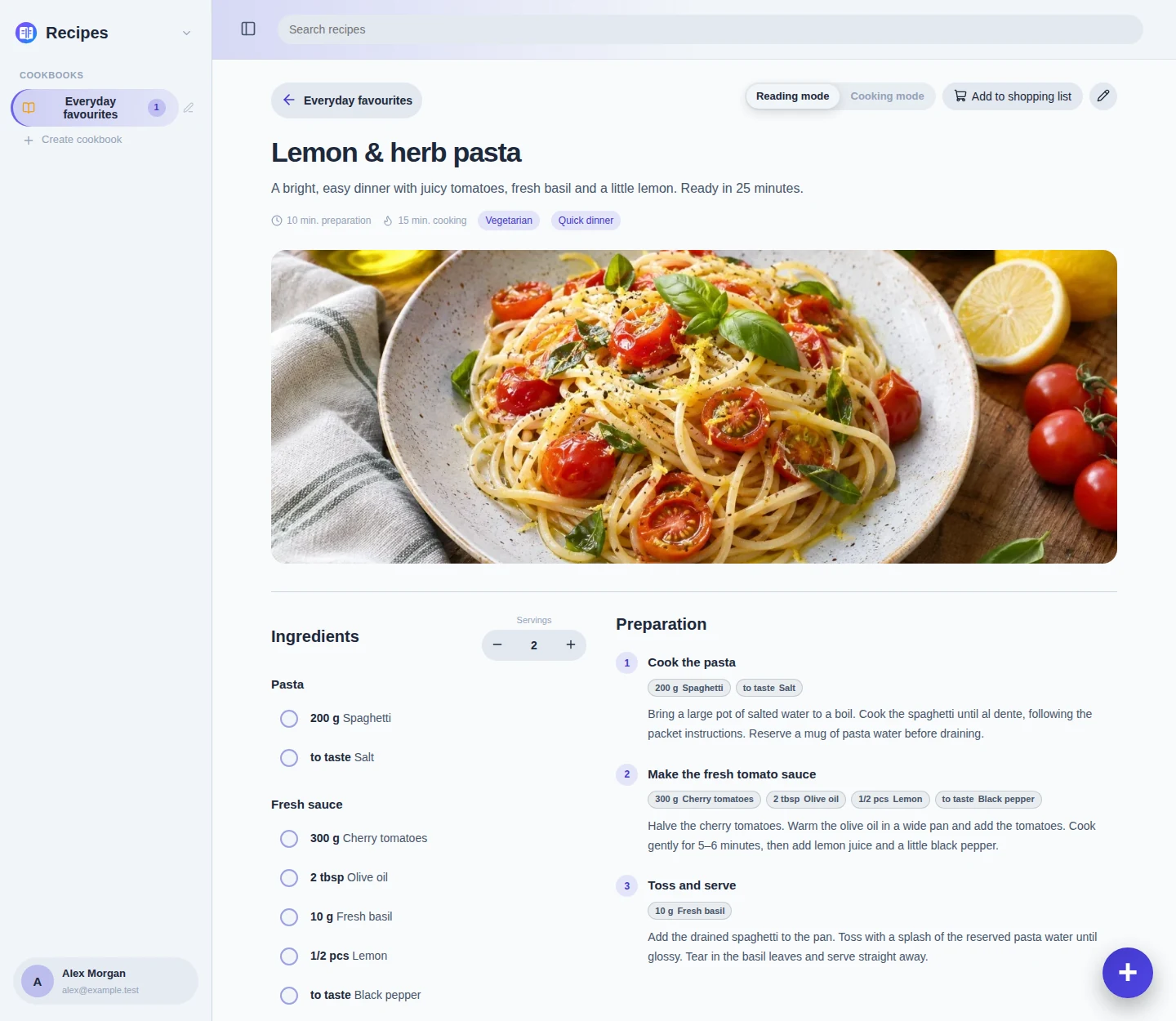
Save recipes in cookbooks, adjust the portions and keep the ingredients you need beside each preparation step.
From a plan to the dinner table
Pick a recipe and scale it to your portions. Send the ingredients to a shopping list, combining compatible quantities. When you cook, each step can show its assigned ingredients and amounts, with the navigation staying in place.
Try each module in the phone preview, including the recipe cooking view.
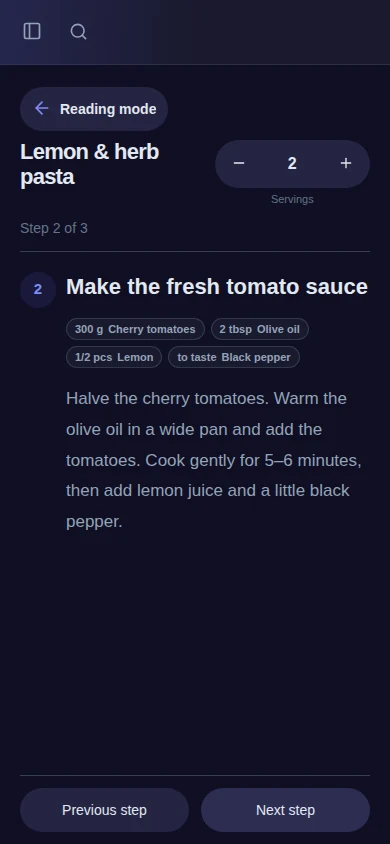
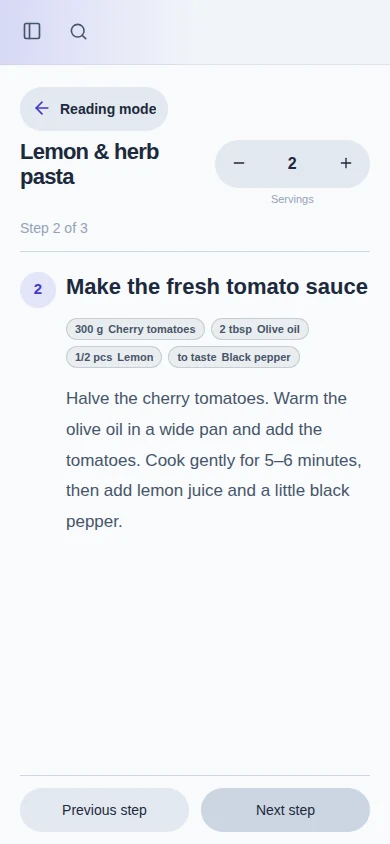
Cooking mode keeps this step and its ingredients together.
The shared foundation
Keep collections personal, share them with selected people, or organize projects, shopping lists and cookbooks together in a household.
Daily, weekly, monthly or yearly. Keep everyday routines on track with recurring schedules and reminders.
Get reminded when you arrive at or leave a place, with saved locations and location-based reminders in the Android app.
Turn spoken thoughts into tasks and shopping items for review. Use the same optional connection to import recipe text or refine a draft.
Keep checklist subtasks, comments and attachment previews together in one task detail view.
Plan due tasks in day, week and month views, with the same actions you use in the list.
Protect accounts with TOTP, passkeys, recovery codes and optional OIDC sign-in, with permissions for shared content.
Windows, Android and Debian clients, plus an installable PWA. Tasks, lists and saved recipes stay available offline.
Use Nia in 12 languages, with localized interface text, system emails and locale-aware dates and times.
Manage users, storage quotas and instance settings from the web interface.
System, light or dark, with several accent colors and adjustable intensity. Choose the modules you want to see.
Nia remembers your usual projects, lists, sections and stores. Correct the editable badges as you go, or reset memory in settings. No AI model required.
Optional BrainDump
Capture tasks and shopping items in one voice recording, then review the destination of each suggestion. In Recipes, paste free text or ask BrainDump to refine an imported draft and help assign ingredients to steps. You review the result before saving.
BrainDump is enabled per account by an administrator. Connect a local or remote language model; voice capture also needs speech-to-text. The core app and recipe link imports work without AI. Import and BrainDump need a server connection.
Self-hosting
Run Nia in a Docker container with FastAPI and SQLite, or install the Debian / Ubuntu server package. No separate database server or AI model is required for the core app.
The product name is Nia. Existing image names, service names and data paths keep their nia-todo identifiers for compatibility.
docker run -d \
  --name nia-todo \
  --restart unless-stopped \
  -p 8753:8753 \
  -v nia-todo-data:/data \
  ghcr.io/weedpump/nia-todo:latest